Help Center
Spacer
The "Space" block creates a visual separation between two contents.
To add a "Space" block to a page:
- Open the page where the "Space" block needs to be added.
- Click "Add content" where you wish to add the "Space" block.
- Select the "Space" block.

By clicking on this block, a space appears on the page.
You will have the option to choose a height for this block.
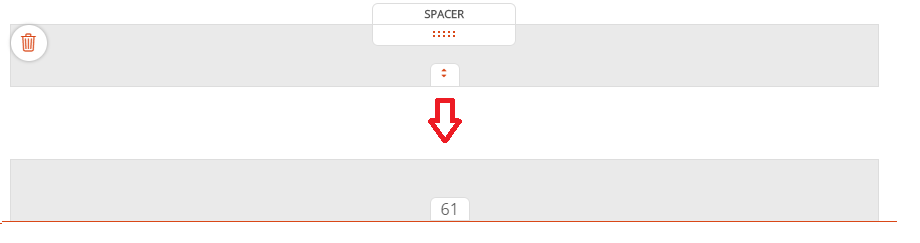
- Click the "+" or "-" to increase or decrease the space
- Click anywhere in the page to remove the modal
Good to know
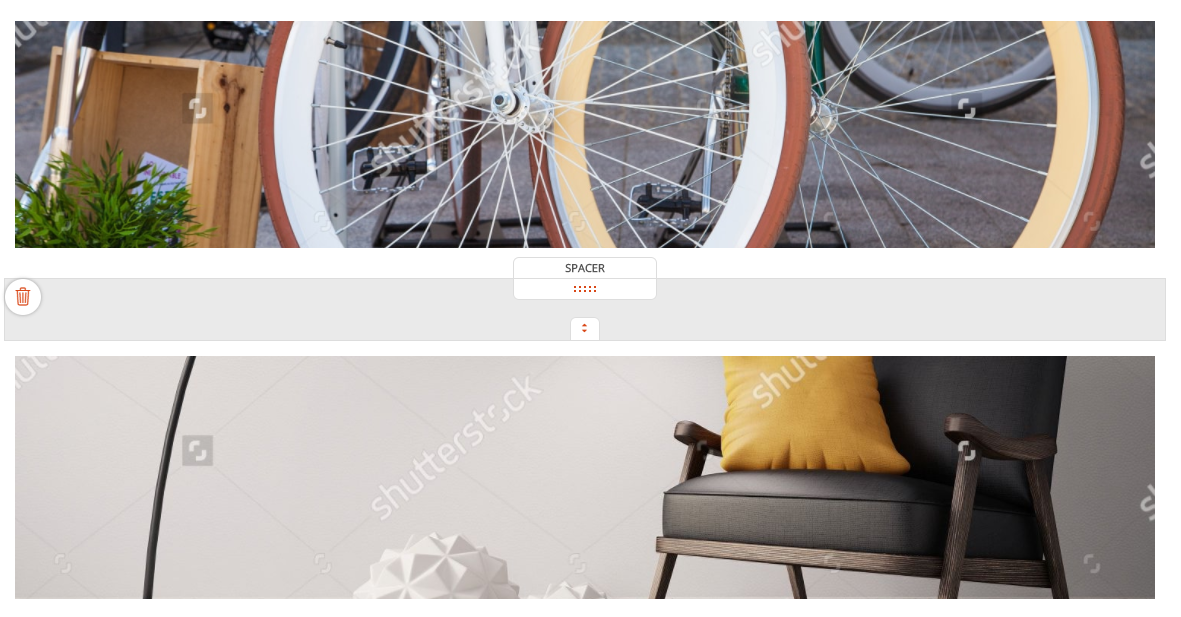
In order to be able to see in the back office the "Space" blocks, they are highlighted on the flyover of the mouse.
Read also
Work with Content blocks
Manage your Pages
Work with the Editor
Manage your Images
Adjust your Design
Manage your SEO
Work with the mobile device Editor